Take Lovezii
with you.
Get the Lovezii Android app for a faster, more focused mobile experience. Discover creators, connect in real time, join live experiences and stay close to your community.

Lovezii for Android
The current official Lovezii Android package is available below.
One-tap access
Keep Lovezii on your Android home screen so your social experience is always close at hand.
Notifications made easier
Access Lovezii's notification experience more easily from the app, so important activity, messages and creator updates are closer when you need them.
Lovezii on the go
Jump into profiles, live experiences, chat, creators and other Lovezii features from a dedicated mobile app.
Lovezii is easier to reach when it is already on your phone.
Launch Lovezii directly from your Android home screen instead of opening a browser first.
Keep the Lovezii app available for the notification and activity experience your account provides.
Get back to chats, creators and live experiences with fewer steps.
Use the dedicated Android app for a more focused way to access Lovezii on mobile.
Scan to get Lovezii on your phone.
Open your phone camera and scan the QR code. It takes you to this official Lovezii download page, so the link can keep working when new app versions are released.
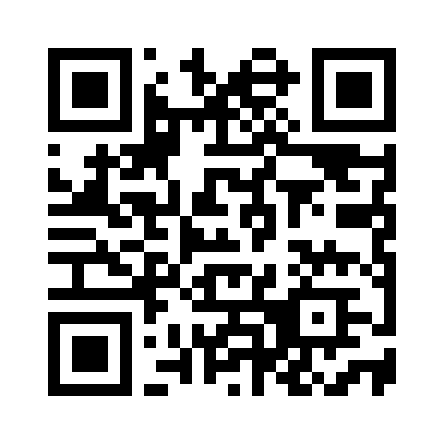 lovezii.com/download
How installing Lovezii works
Download
Tap Install Lovezii to download the official APK when a release is available.
Open
Open the downloaded APK from your browser's downloads area or Android's file manager.
Allow if asked
Android may ask you to allow your browser or file manager to install apps from that source. Only enable this for a source you trust.
Install
Review the Android installer and tap Install. Future releases can be downloaded from this same Lovezii page.
Lovezii app FAQ
Can Lovezii install the APK like Google Play?
No. A website cannot silently install a standalone APK. Android handles the final installation confirmation. Google Play can provide the more seamless Play Store installation flow once Lovezii is published there.
Will this download page keep working after an update?
Yes. The QR code points to the download page rather than a version-specific APK URL. The page reads the current Lovezii release information and points the download button at the current APK.
How will I publish a new APK?
Upload the signed APK using the configured release filename, update the release version and build information, and mark the release as available. The page will then advertise the new version.